
AETHUS GeForce NOW Cloud Streaming and Hardware Requirements
AETHUS runs on GeForce NOW through an Install-to-Play setup that streams directly from your personal Steam library. Accessing the sci-fi mining survival game requires an active Performance or Ultimate subscription, while the session installs onto NVIDIA cloud storage automatically.
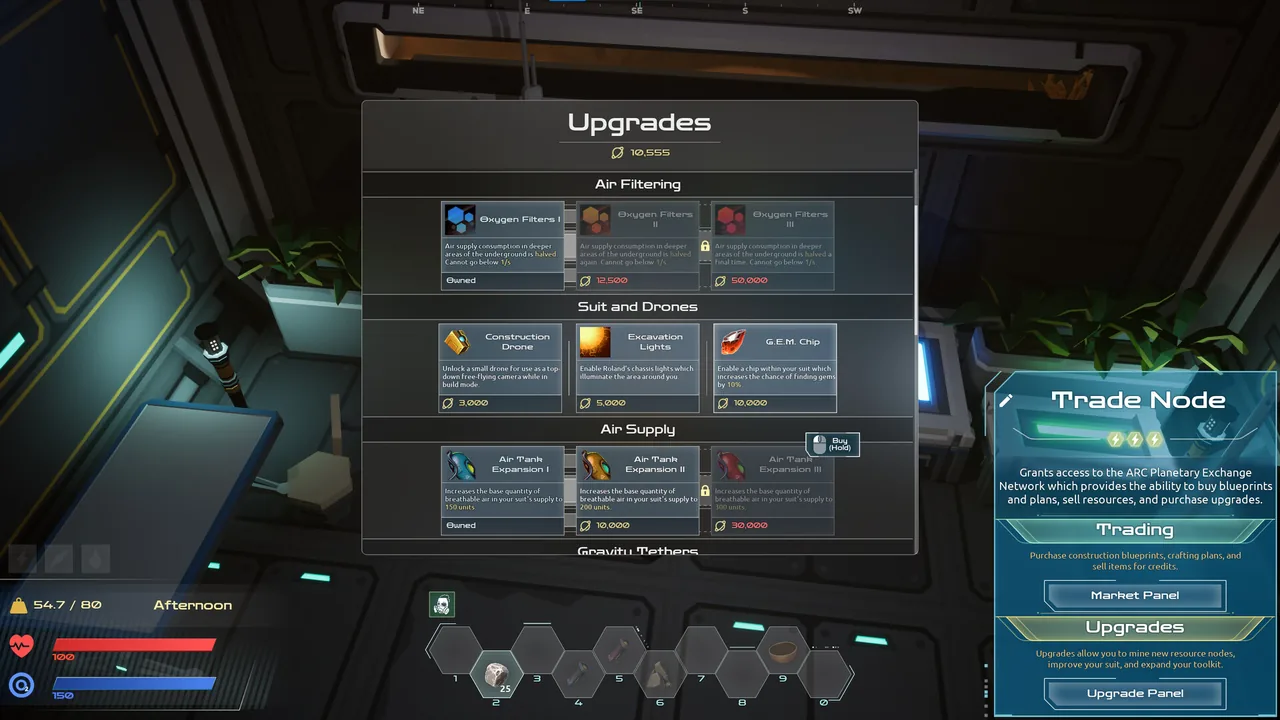
AETHUS runs on GeForce NOW through an Install-to-Play setup that streams directly from your personal Steam library. Accessing the sci-fi mining survival game requires an active Performance or Ultimate subscription, while the session installs onto NVIDIA cloud storage automatically.
GeForce NOW Subscription Tiers for AETHUS
GeForce NOW requires a paid tier to run Install-to-Play titles. The free tier cannot launch AETHUS. Both paid tiers supply priority rig access and connect directly to your Steam purchase.
| Subscription Tier | Streaming Output and Rig Hardware | Session Length and Quota |
|---|---|---|
| Free ($0.00) | Standard 1080p stream on shared hardware; title launch blocked | 1-hour session limit with standard queue times |
| Performance ($9.99/mo) | Up to 1440p at 60 FPS, RTX ON ray tracing, dedicated RTX GPU | 6-hour session duration, 100 monthly hours included |
| Ultimate ($19.99/mo) | Up to 5K at 120 FPS, DLSS 4, Reflex, RTX 5080-class GPU | 8-hour session duration, 100 monthly hours included |
Both the Performance and Ultimate tiers allocate 100 streaming hours each month. If you exceed that allocation, extra playtime costs $2.99 for 15 hours on Performance or $5.99 for 15 hours on Ultimate.
Install-to-Play Requirements and Setup
NVIDIA hosts AETHUS as an Install-to-Play title rather than a pre-cached instant launch. When you click play in the GeForce NOW client, the server allocates cloud storage and downloads the game files from Steam.
- Purchase and register AETHUS on your Steam account.
- Open the GeForce NOW app on your PC, mobile device, browser, or smart television.
- Link your Steam profile inside the GeForce NOW settings menu to sync your library.
- Select AETHUS and initiate the cloud session.
- Wait a few minutes while the remote machine installs the 4 GB client onto its local partition.
- Launch into Maeve's campaign; save files sync through Steam Cloud when the session closes.
Players who want to evaluate cloud performance before purchasing the full release can launch the standalone AETHUS Demo directly through GeForce NOW under identical service terms.
Hardware Features, Controls, and Settings
Streaming AETHUS over cloud servers retains the full graphical settings and accessibility options built into the Steam version. The game supports ultrawide aspect ratios on both Performance and Ultimate tiers, with HDR color processing enabled on the top plan.
The PC build includes full controller support for standard gamepads alongside native DualShock and DualSense hardware profiles. Players preferring desktop inputs can use standard mouse and keyboard controls directly through the GeForce NOW streaming window. In-game modifier menus remain functional in cloud instances, allowing real-time adjustments to text size, camera comfort, volume channels, and difficulty profiles.
Alternative Platforms and Cloud Options
Players seeking cloud access outside NVIDIA's service can run AETHUS on full cloud desktop providers. Services like Shadow PC, airgpu, and CloudDeck assign a dedicated Windows desktop where you can install the Steam client manually. Handheld players can also install the PC client locally on steam deck hardware running Windows or SteamOS.
Pawsmonaut Games announced native console versions scheduled for release in Q1 2027 alongside French, German, and Spanish localization updates. Until those editions arrive on console storefronts such as xbox, GeForce NOW serves as the primary route for streaming AETHUS to living-room screens and low-spec hardware.
Next step
PS5 Release
Check the confirmed release window, technical upgrades, control changes, and language options for AETHUS on PlayStation 5.