
AETHUS Ultrawide Settings, FOV Options, and Display Fixes
AETHUS supports ultrawide displays through built-in aspect ratio selectors and field-of-view override sliders introduced in Patch 6. Players experiencing menu resets can also install the community AethusAspectFix mod using UE4SS to maintain stable widescreen scaling across sessions.
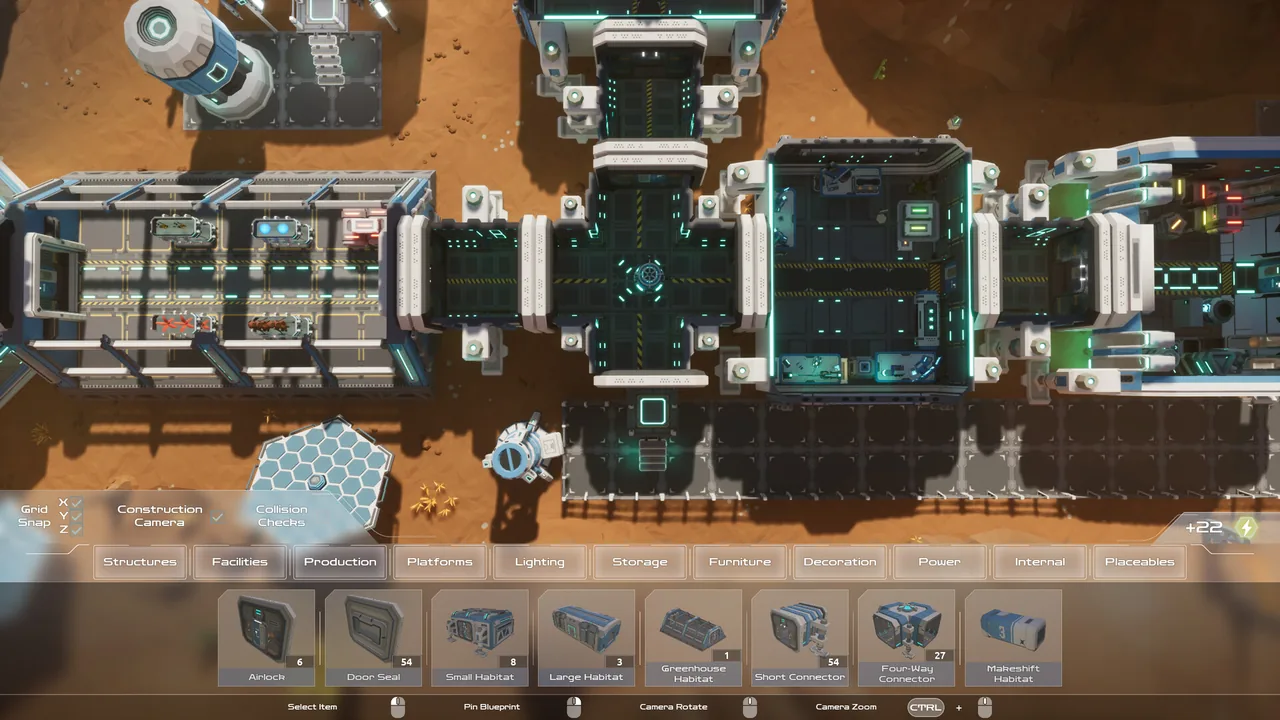
AETHUS supports ultrawide displays through built-in aspect ratio selectors and field-of-view override sliders introduced in Patch 6. Players experiencing menu resets can also install the community AethusAspectFix mod using UE4SS to maintain stable widescreen scaling across sessions.
Native Ultrawide Options in Patch 6
Pawsmonaut Games added dedicated widescreen features in Patch 6, titled the Ultrawide Building Patch. The update added an Aspect Ratio selector directly to the settings menu, allowing wide displays to render the top-down environment without forced stretching.
Alongside the aspect ratio toggle, the patch introduced an FOV override slider. Raising this slider increases the visible field around Maeve and your mining outpost, preventing the camera from feeling cramped on 21:9 or wider panels. Patch 6 also saves build mode settings across sessions, meaning custom snapping and camera angles remain intact while you organize your surface base layout and underground stations.
Windowed mode received a visible title bar in the same update. If you run the game in windowed mode across an ultrawide desktop, this bar enables standard window movement and quick alignment alongside other open desktop applications.
AethusAspectFix Installation and Setup
Modder Solestis created the AethusAspectFix modification on Nexus Mods to resolve aspect ratio loss when returning to the main menu. Version 1.1 ensures your chosen aspect ratio stays locked throughout session transitions and interface reloads.
To configure the modification on Windows:
- Download and install UE4SS for AETHUS into your game installation directory.
- Download the AethusAspectFix archive from Nexus Mods.
- Extract the contents of the zip file directly into the mods folder located inside your ue4ss folder.
- Launch the game and adjust the FOV override slider in settings if the top-down camera appears too close to the character.
Ultrawide Display Configuration Comparison
| Display Method | Best Suited For | Requirements and Adjustments |
|---|---|---|
| Native Settings Menu | Standard 21:9 and 32:9 monitors running default releases | Select target aspect ratio and adjust the FOV override slider in graphics options |
| AethusAspectFix Mod | Setups where aspect ratios revert after opening the main menu | Requires UE4SS installed inside the local files and manual mod folder placement |
| Windowed Mode | Desktops running companion apps alongside the mining claim | Relies on the Patch 6 title bar and allows manual window sizing on wide screens |
Hardware and Performance Considerations
Wider horizontal resolutions increase the number of active objects rendered on screen at once, including conveyor machinery, surface crops, and mining lasers. The Steam store page lists minimum requirements of a quad-core Intel or AMD processor running at 2.5 GHz, 8 GB of RAM, DirectX 11, and 4 GB of storage space.
Graphics requirements specify an AMD RX-6000 series, Intel Arc A-Series, or NVIDIA RTX-2000 series card. When running high ultrawide pixel counts, pairing these GPUs with appropriate FOV slider values maintains smooth framerates during underground excavations.
Pawsmonaut Games also confirmed official controller support alongside gamepad fixes in Patch 1.035, giving players the choice between standard keyboard-and-mouse setups or DualShock and DualSense controllers while managing wide displays. For portable play away from an ultrawide desk setup, the title holds a Playable rating on Steam Deck, with console editions planned for Xbox Series hardware in 2027.
Next step
Xbox Release and Features
Review confirmed release windows, technical capabilities, controller adaptations, and platform features for the upcoming Xbox version of AETHUS.