
AETHUS How to Use Terraforming Charge: Clearing Outcrops Guide
To use a terraforming charge in AETHUS, assign the item to your active hotbar slot, aim at a matching terrain outcropping, and press R to throw the explosive and clear construction space.
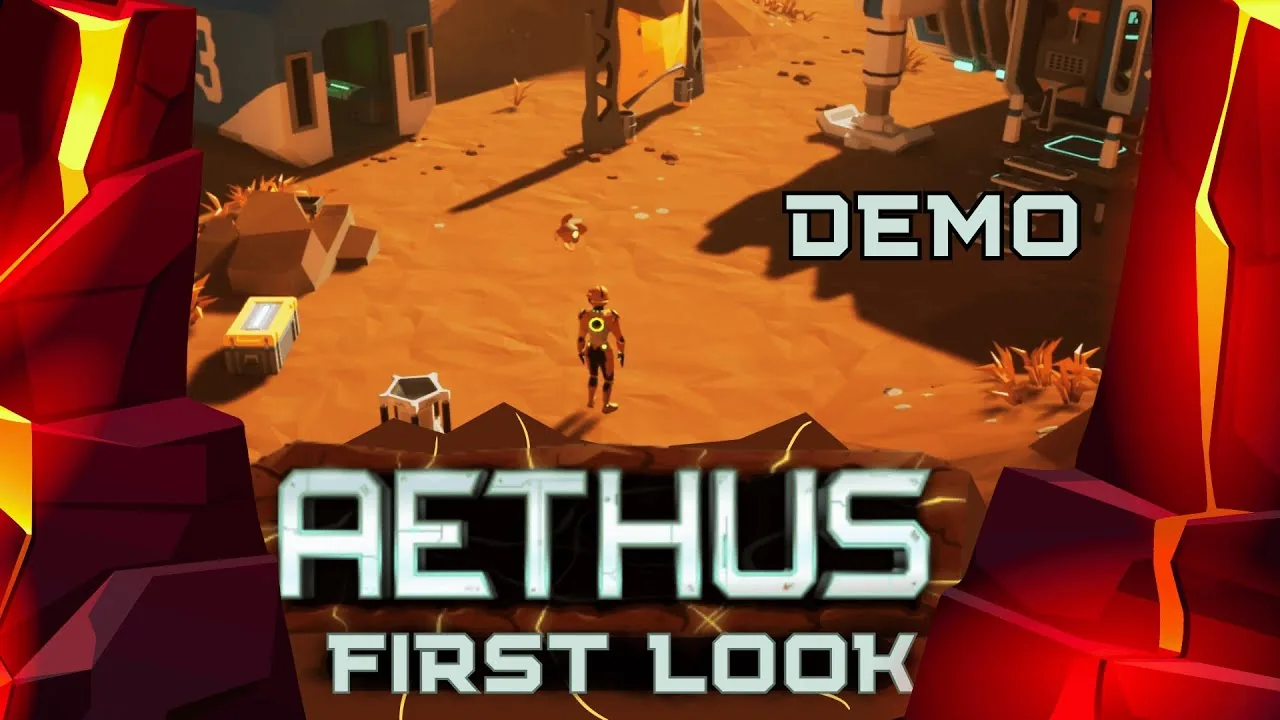
To use a terraforming charge in AETHUS, assign the item to your active hotbar slot, aim at a matching terrain outcropping, and press R to throw the explosive and clear construction space.
Clearing natural rock piles across your surface claim is necessary before placing large structures like the basic habitat. Outcroppings prevent habitat foundations and access platforms from snapping properly into place, making explosive clearance a core part of developing your base.
Equipping and Throwing Charges
Terraforming charges are thrown deployables rather than placed construction items. Managing your hotbar ensures you do not waste high-tier explosives on small terrain obstacles.
- Open your inventory screen by pressing Tab.
- Select the terraforming charge and assign it to a numbered slot on your hotbar.
- Hover your mouse cursor over the rocky formation outside. A contextual tooltip displays whether the target is a small, medium, or large outcropping.
- Select the corresponding hotbar number to hold the charge in your hand. An area-of-effect indicator highlights the target area on the ground.
- Press R to throw the charge directly at the formation.
Standing too close to the blast will cause damage or death to Maeve, requiring you to retrieve your dropped inventory pack from the blast site. Position your character outside the visible throw radius before pressing R.
Outcropping Sizes and Charge Tiers
Outcroppings require specific explosive yields. A small charge cannot breach medium or large rock formations, while high-yield charges clear wider radiuses and can destroy multiple clustered formations at once.
| Outcropping Size | Compatible Charge | Resulting Harvested Resource |
|---|---|---|
| Small Outcropping | Terraforming Charge S | Regolith chunks |
| Medium Outcropping | Terraforming Charge M | Regolith, Sandstone |
| Large Outcropping | Terraforming Charge L | Regolith, Dense Rock |
Once a charge detonates, the targeted outcroppings shatter into loose resource chunks. Your companion drone, Roland, automatically collects nearby debris and deposits it into your inventory up to your current carry weight limit.
Processing Debris for Outpost Construction
Detonating surface rock is the most efficient method for stockpiling mineral resources needed during early colony setup. The regolith gathered from blast sites supplies the building materials required to assemble your modular base layout on the surface.
Instead of burning organic fuel in a makeshift forge, feeding gathered regolith into a regolith printer produces refined structural materials without consuming biomass. This loop allows you to level flat terrain near landmarks like the surface oasis or the cave entrance while generating the parts needed for access platforms and habitat airlocks.
If you run out of found charges from surface crates or abandoned camps, additional explosives can be produced after you assemble an outpost crafting bench. Later operations in the underground caverns switch from surface terrain charges to dedicated mining explosives, which are required when clearing dense cave-in debris to reach lower levels like Facility Delta. Expanding production early lets you craft advanced gear like the jaspite drill to tap deeper mineral veins.
Next step
Hydroponic Bed
Locate the grow bed blueprints, construct hydroponics inside your greenhouse habitat, and manage crop yields for outpost survival in AETHUS.
Related Guides
Prospecting and Geodes
Clear geode crusts at the Prospecting Bench to recover high-tier gems, ancient bones, and upgrade extraction attempts efficiently.
Recipes
Browse exact material ratios for every workstation, refiner, cooking pot, and laboratory recipe across all subterranean sectors in AETHUS.
Advanced Electronics
Learn how to gather ingredients, craft Advanced Electronics at the workbench, and reduce component crafting costs using modular base habitats.